
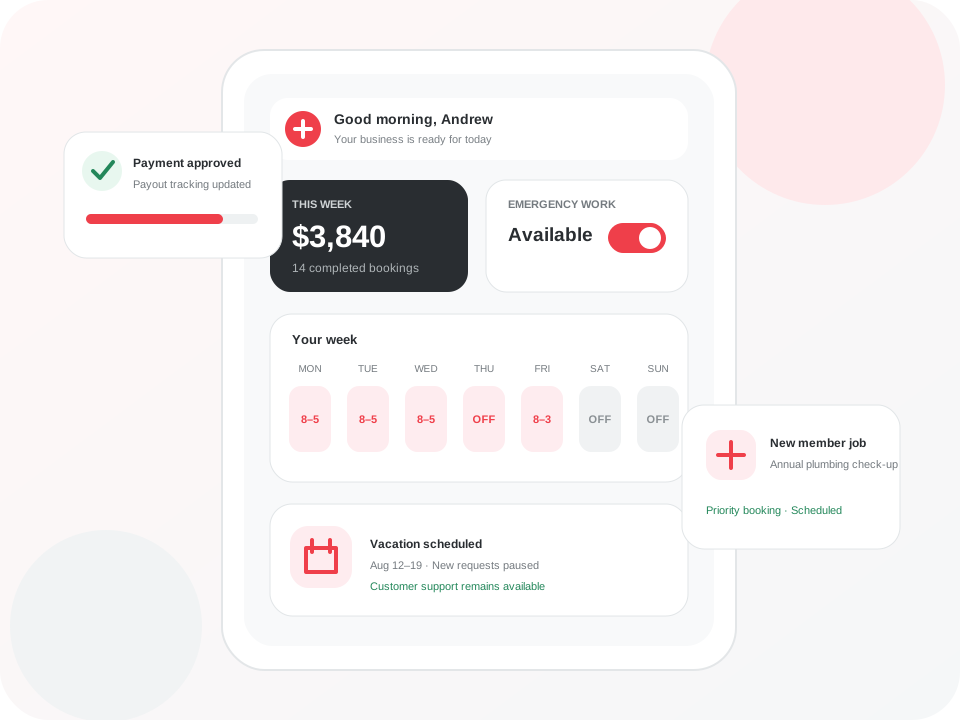
Set your schedule
Manage regular availability, service areas, days off, vacations, and emergency availability.
Review and accept work
See the booking type, timing, location, requested service, and available details before deciding whether it fits.
Create flat-rate quotes
Document the scope, enter your pre-tax amount, review the plumber-side breakdown, and send the quote for customer approval and signature.
Keep the job moving
Use clear stages for on-route, on-site, quote sent, approved, work started, partial completion, final invoice, completion, and warranty follow-up.
Track memberships and customer history
See relevant service history, membership context, annual checkup bookings, and records connected to the customer account.
Review payment and payout status
The plumber-side view shows the job amount, applicable plumber taxes, total payable to the plumber, and current payout status.
Use offline support where available
Lite offline quote and signature functions can keep essential plumber-side work moving when the connection is unreliable. Information is revalidated when the app reconnects.